Parking in Oulu
Easy guide to parking in Kivisydän, Autoheikki, Autosaari and other selected parking facilities.
Oulun Pysäköinti Oy
Oulun Pysäköinti Oy is a company owned by the City of Oulu and the largest parking operator in the city, with over 35 years of experience.
We provide and operate paid parking services in designated parking facilities located in Oulu city centre and in the hospital area.
As part of the City of Oulu group, we support the city’s mobility goals by offering reliable, easy‑to‑use parking services that fit everyday needs as the city develops.
Our parking facilities
All our parking facilities use a modern, ticketless parking system based on automatic license plate recognition. Most of our facilities are also barrier-free.
Our parking facilities are open 24/7, and most locations offer electric vehicle charging points.
You can park for a short stay, purchase parking permits from our online store, or use contract parking for longer-term needs.
Short-term parking
Payment methods
- Mobile apps (Moovy, EasyPark, ParkMan)
- Card payment at the payment machine when leaving
- Online payment within 48 hours after exit
Cash is not accepted.
Mobile apps
You can pay using the following parking apps:
Moovy
EasyPark
ParkMan
- When using EasyPark or ParkMan, parking must be started manually.
- The Moovy app automatically registers your parking using license plate recognition. Make sure that camera recognition is activated in the app.
- A service fee will be added when using parking apps.
Online payment
You can also pay for your parking online within 48 hours after exit.
Pay your parking online: moovy.fi/en/pay
(Not available in Autoheikki, Vaakunakylä or Avohoitotalo)
Prices and products
View prices and products (in Finnish)
Parking Permits & Contracts
Parking permits (online store)
You can also purchase parking permits from our online store.
These permits allow flexible parking for different needs, for example for a weekend, a week or a month.
Please note that permits must be ordered at least one working day before arrival.
Permits are linked to your license plate, so you can enter and exit without separate activation.
Go to online store (in Finnish)
Contract parking (Moovy service)
If you are looking for a long-term parking agreement, you can manage it via the Moovy service.

How to Park
1. Download a parking app (optional)
You can use a parking app such as Moovy, ParkMan or EasyPark.
Download Moovy:


Using a parking app is not required, but it makes parking easier and faster!
2. Drive in
Drive into the parking facility.
- With Moovy or without an app: just drive in
- The system recognizes your vehicle and reads your license plate automatically
- In facilities with barriers, the barrier opens automatically
If you use the Moovy app, parking starts automatically.
With EasyPark or ParkMan, you need to start parking manually in the app.
3. During your visit
Stay as long as you need!
4. Payment
With apps (Moovy, EasyPark, ParkMan):
You can leave normally — the parking fee is charged automatically to your payment method.
At the payment machine:
Pay by card before leaving the facility.
5. Exit
Drive out — your parking ends automatically.
Thank you for your visit!
Forgot to pay?
If you did not pay before leaving (in barrier-free facilities), you can still pay within 48 hours:
Still have questions?
FAQ
Frequently Asked Questions
Can I pay for parking at the facility, or is a parking app mandatory?
You can still pay for parking at the payment machine inside the facility (excluding Vaakunakylä parking).
At the payment station, enter your vehicle’s license plate number and pay with a debit/credit card (cash payments are not accepted).
A parking app is not required, but it speeds up and simplifies the process!
I forgot to pay my parking. What should I do?
If you did not pay via an app or at the payment point, you can pay online with in 48 hours of leaving the facility at: moovy.fi/en/pay.
Note: Parking ends automatically when you exit. Each new entry starts a new parking session. Expired parking sessions can no longer be paid at the facility’s payment station.
If the parking fee is not paid using any of the accepted payment methods (Moovy, EasyPark or ParkMan app, card payment at the station, or online payment within 48 hours), a payment reminder will be sent by mail based on the vehicle’s license plate. An additional reminder fee will be applied.
I have issues with the app. What should I do?
For issues related to app usage, please contact the respective service provider:
Moovy Customer Service
ParkMan Customer Service
EasyPark Customer Service
I want a contract parking space. How do I proceed?
Availability and ordering of contract parking products:
Individuals: Purchase via the Moovy app Store.
Businesses: Moovy business account.
More information: Moovy.fi/en
How can I access the parking facility when the doors are locked?
When your parking session is active, you can access the facility using a door code provided by the parking app.
The Moovy, EasyPark and ParkMan apps provide a code to open the door.
If you don’t have the app or you are just arriving, use the customer service button at the door to contact customer support, who can open the door remotely. Customer service is available 24/7.
Where and how can I charge my electric vehicle?
EV charging is available in most of our parking facilities via the eParking service. Most locations offer Type 2 charging (22 kW).
In Kivisydän, two DC fast charging points (100 kW) are also available. At fast charging points, you can pay by card and do not need your own cable.
In other locations, charging is paid for using the eParking mobile app, and you need your own charging cable.
Charging prices are available in the eParking app.
Please note that parking fees apply according to our pricing during charging.
Read more and download the eParking app: en.web.eparking.fi/kuluttajille
How can I make sure my license plate is recognized correctly?
When entering the parking facility, please drive at a moderate speed and keep a safe distance from the vehicle in front of you.
Make sure your license plate is as clean as possible. Damage, dents, dirt or additional equipment (such as auxiliary lights) may affect recognition.
Please note that our system is optimized for Finnish license plates, and foreign plates may not always be recognized correctly.
If your license plate is not recognized correctly, you can pay at the payment machine using the incorrectly detected plate number, if you were able to see it on the entry display. Our customer service will check the payment and ensure that your vehicle is no longer in the facility.
Alternatively, we recommend contacting customer service before exiting the facility using the number provided in the facility or at the payment machine, so you can receive assistance on site.
How is the parking fee calculated?
Parking fees are based on the short-term parking price list.
Parking always starts with a base fee (the first hour). After that, the fee is calculated based on the next time period or hourly rate, depending on the pricing of the facility.
If a daily maximum rate is defined, the fee accumulates until the daily maximum is reached. Not all locations have a daily maximum, in which case the fee continues to accumulate based on hourly pricing for the entire stay.
The daily rate only applies to continuous parking. If you exit and re-enter, a new parking session begins and the base fee is charged again.
If parking continues beyond 24 hours in a facility with a daily maximum, the fee continues to accumulate until the next daily maximum is reached (24 h, 48 h, 72 h, etc.).
With short-term parking, you may park for as long as needed.
I received a payment reminder (Visma Amili Oy) – what should I do?
You will receive a payment reminder if your parking has not been paid at a barrierless, camera-based parking facility using any of the available payment methods.
Accepted payment methods include:
- Moovy app (license plate must be registered and recognition enabled before exit)
- ParkMan app (parking must be started manually in the app)
- EasyPark app (parking must be started manually in the app)
- Payment machine before leaving the facility
- Online payment within 48 hours after exit
If the parking session has not been paid using one of these methods, a payment reminder will be sent to the vehicle owner by Visma Amili Oy. A reminder fee will be added to the unpaid parking charge.
If the reminder is not paid by the due date, a payment demand will be issued.
Before contacting us, please check whether there is an explanation for the charge on the location page or in the parking app you have used.
If your question is related to the parking event (such as location, time or a possible error), or if you wish to dispute the payment reminder, please contact us in writing:
asiakaspalvelu@oulunpysakointi.fi
If your question is related to billing matters (such as payment time, fees or billing details), please contact Visma Amili Oy:
Visma Amili Oy
I received a parking fine – who should I contact?
Oulun Pysäköinti Oy does not carry out parking enforcement and does not manage street parking.
Parking fines and enforcement related to street parking are handled separately by the City of Oulu:
City of Oulu parking
If you have received a parking fine, please contact the authority or organisation that issued it. Their contact details can be found on the fine.
If there is a fault with a street parking payment machine, please call the number provided on the machine (i-button).
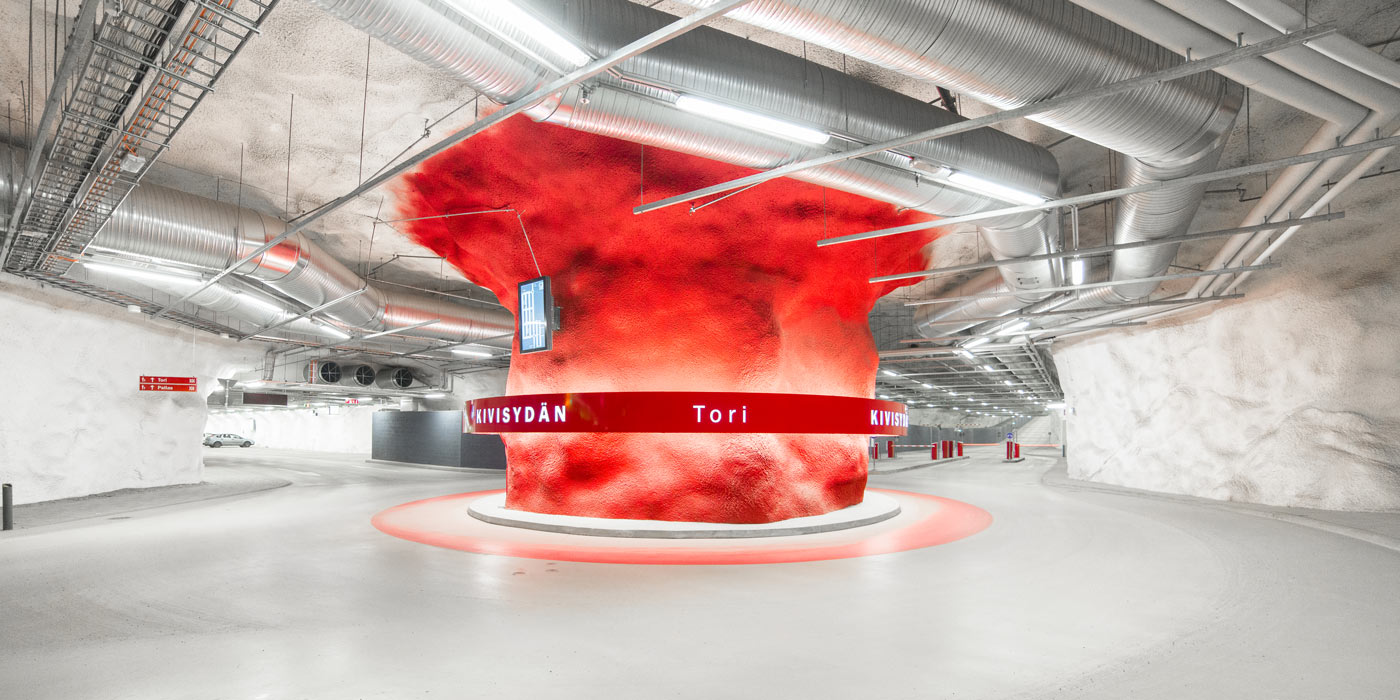
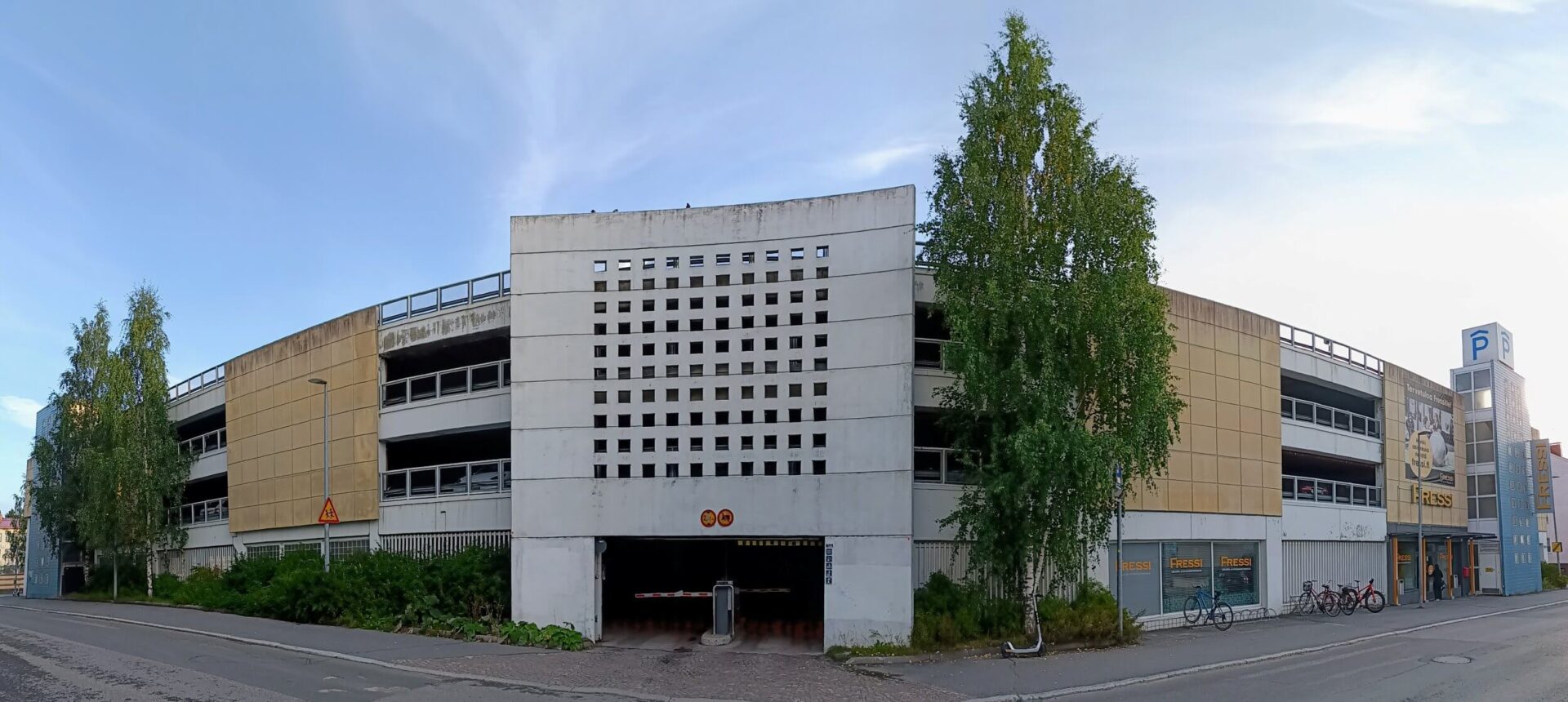
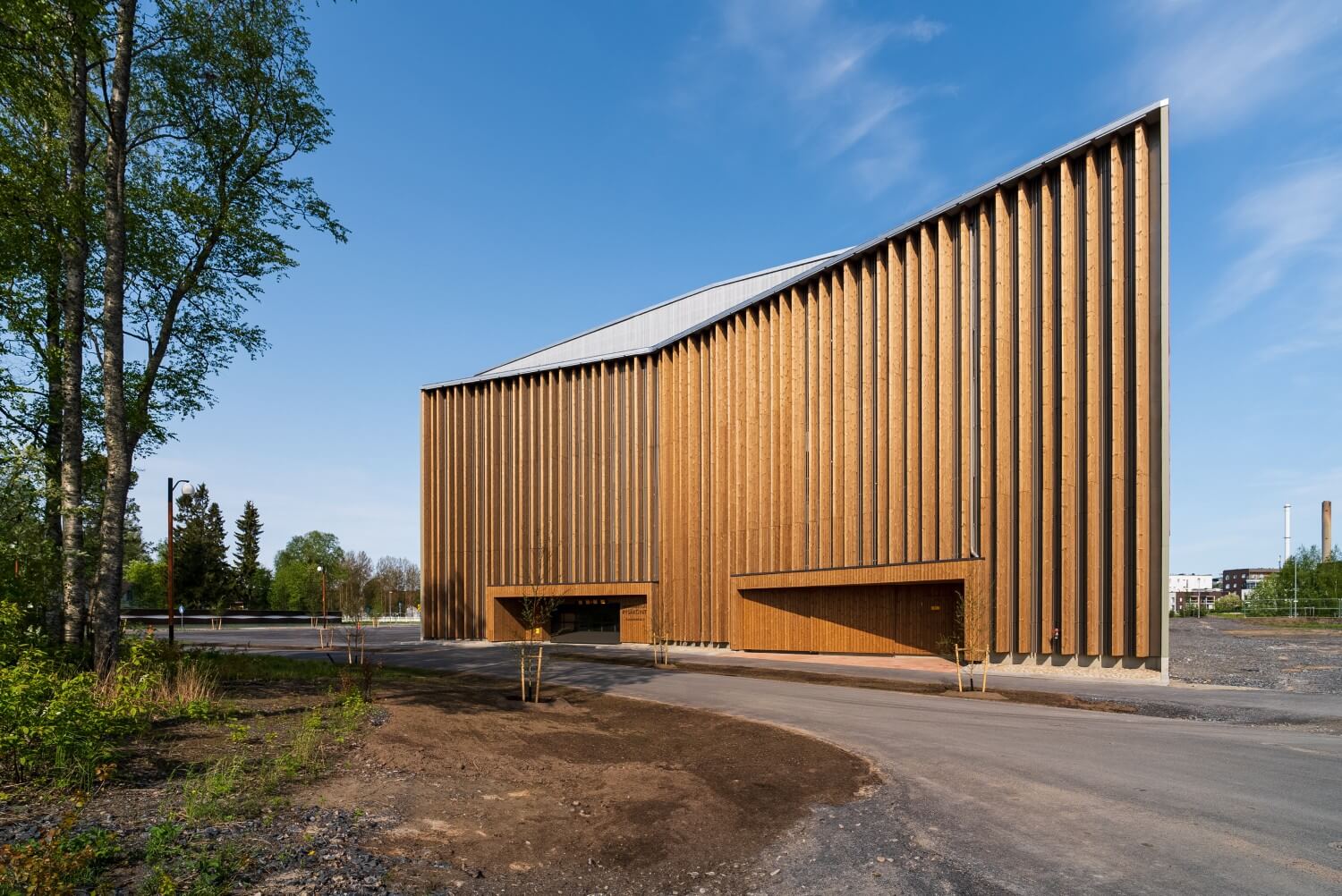
Our parking facilities
We provide parking services in our own facilities and operate the following parking locations:
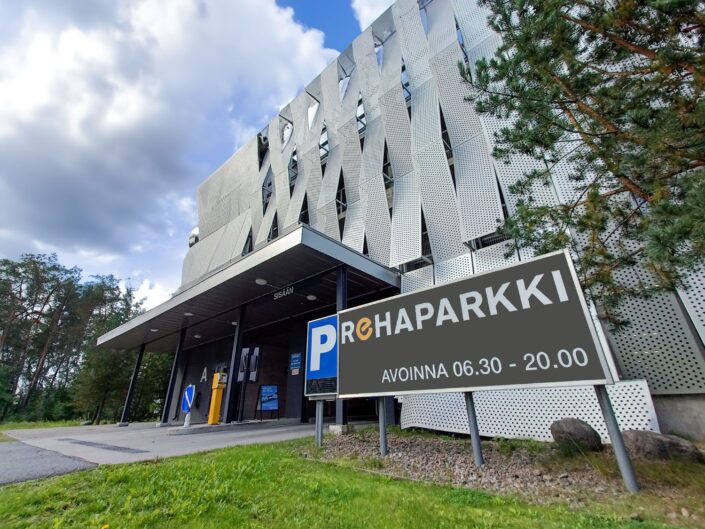
Kivisydän, Autosaari, Autoheikki, Vaakunakylä, and the hospital area facilities Sairaalaparkki, OYS Avohoitotalo and Rehaparkki.
Parking Terms
Parking in our facilities is subject to the following terms:
- Parking is paid 24/7, unless otherwise stated at the location.
- Parking is only allowed in designated spaces.
- Parking is based on automatic license plate recognition. The duration and fee are determined based on the actual parking time.
- Parking is at your own risk.
- By parking, you accept these terms.
Payment
You can pay for your parking using the following methods:
- Moovy app (license plate and payment details must be added, and camera recognition enabled before leaving the facility)
- ParkMan and EasyPark apps (parking must be started manually in the app)
- Payment machine (card payment before exit)
- In most locations, you can also pay online within 48 hours after exit: moovy.fi/en/pay
Online payment is not available in all locations.
Important notes
If parking has not been paid using one of the available methods, a payment reminder will be sent to the vehicle owner, including an additional fee.
Failure to follow these terms may result in additional charges or removal of the vehicle at the owner’s expense.
Location-specific exceptions
Please note that some locations have different payment methods:
- Vaakunakylä: payment is only available via the Moovy app
- Some facilities do not support online payment: Autoheikki, Avohoitotalo and Vaakunakylä.
Didn’t find what you were looking for?
Contact & Customer service
The easiest way to contact us is via website chat or by email:
asiakaspalvelu@oulunpysakointi.fi.
Our customer service is available on weekdays (Mon–Fri) from 8:00 to 16:00.
Moovy customer service (24/7 support)
Moovy customer service is available 24/7 and can assist in many parking-related situations, such as payment and app-related issues:
Moovy Customer Service
Access and on-site support (24/7)
In facilities with barriers and at entrance doors, there are customer service buttons that connect you directly to support.
Customer service is available 24/7.
You can also find contact numbers in parking facilities, for example at payment machines, for assistance in problem situations.